
Technical
Tides of Annihilation technical hub — system requirements, Unreal Engine 5 details, NVIDIA DLSS and path tracing, PS5 Pro Enhanced mode and PC performance guidance.
Introduction
The technical hub gathers everything known about how Tides of Annihilation runs. The game is built on Unreal Engine 5, taking full advantage of Nanite for rendering the colossal geometry — the giant Colossal Knights and shattered London are exactly the kind of high-density scenes Nanite excels at. On PC, the studio has confirmed NVIDIA DLSS support and path tracing, which marks the game as a high-end showcase title in the same conversation as the most demanding releases. On console, PlayStation 5 owners get a dedicated PS5 Pro Enhanced mode with higher resolution, ray tracing and a smoother 60fps target, while Xbox Series X|S versions are confirmed with Xbox Play Anywhere coming later. Note that full system requirements beyond 16GB RAM are still TBD, so anything more specific on this page is labeled as a prediction based on UE5 titles of comparable ambition.
Platform & Tech Table
| Platform | Tech | Status | Notes |
|---|---|---|---|
| PC | NVIDIA DLSS + Path Tracing | Confirmed | High-end RT showcase |
| PS5 | Base enhanced experience | Confirmed | Performance & fidelity modes expected |
| PS5 Pro | Ray tracing + 60fps target | Confirmed | Dedicated Enhanced Mode |
| Xbox Series X|S | Gen9 performance versions | Confirmed | Play Anywhere listed as future |
| Steam Deck | Portable play (unverified) | TBD | No official compatibility rating yet |
| Minimum Spec | 16GB RAM listed on Steam | Partial | Remaining specs TBD |
Tech Deep-Dives
Unreal Engine 5
The foundation of the visuals
NVIDIA DLSS & Path Tracing
The high-end PC showcase
PS5 Pro Enhanced
Ray tracing at 60fps
60 FPS Performance
Targeting silky combat
System Requirements
What you will need
Steam Deck & Portability
Handheld gaming is unverified but plausible
Core Mechanics
Performance expectations for Tides of Annihilation are shaped by three technical pillars. Rendering: UE5 with Nanite handles the density of shattered London and the climbable Colossal Knights, and Lumen provides global illumination, making the game visually heavy before you add ray tracing. Ray tracing: PC supports path tracing for the fully ray-traced look, while PS5 Pro gets a ray-traced Enhanced mode — both are the most demanding rendering paths, so resolution scaling and upscaling tech (DLSS on PC, PSSR on PS5) are central to hitting frame targets. Optimization: studio communications and platform messaging point to a 60fps target on current consoles with quality and performance mode splits, meaning users should expect settings menus to control resolution, ray tracing and upscaling rather than one uniform preset.
Advantages
This hub resolves the biggest pre-release anxiety for PC builders and console choosers: what hardware do I need? By tracking confirmed tech — DLSS, path tracing, PS5 Pro Enhanced, 60fps targets — you can make a purchasing decision months before launch without anxiously re-checking scattered press releases. The hub also explains what each feature really costs: knowing that path tracing is the heaviest workload in PC gaming tells you that a middle-tier RT card may prefer DLSS without path tracing, while the PS5 Pro ray-traced 60fps mode tells console players exactly which machine to buy if frame rate matters. Every section separates confirmed facts (official PR, Steam listing, PlayStation blog) from predictions (spec extrapolation), so you never mistake a guess for a system requirement.
Challenges
The central weakness is that most requirements are still unannounced. Steam lists only 16GB RAM; CPU, GPU, storage and OS specs are TBD, so our hardware guidance is extrapolation from UE5 titles of similar ambition rather than official numbers. The exact DLSS version, PSSR implementation details, resolution targets and whether the Xbox Series S hits 60fps are all unconfirmed and could differ in the final build. Path tracing in particular is evolving rapidly — the technology may improve between announcements and launch — which makes performance predictions inherently uncertain. We label every non-confirmed item clearly, update the page as specs and builds land, and will re-test performance on representative hardware after release, but treat current numbers as directional guidance.
Frequently Asked Questions
Will my PC run Tides of Annihilation?+
What is PS5 Pro Enhanced mode?+
Does the game support DLSS and ray tracing?+
Will it run at 60fps on consoles?+
Quick Tips
If you plan to use path tracing on PC, buy the strongest GPU you can afford — it is the single heaviest rendering workload in gaming, and DLSS handles resolution but not the ray budget; middle-tier RT cards will prefer DLSS without path tracing. Budget for both a strong GPU and a good SSD, since UE5 open-world streaming benefits heavily from fast storage even when the CPU and GPU are capable.
Console players wanting the best combat feel should prioritize the PS5 Pro: the ray-traced 60fps Enhanced mode is the clearest confirmation of a high-framerate ray-traced target across the console lineup. If you can wait, full system requirements will remove most guesswork — buying based on the confirmed spec list is safer than predicted numbers, especially for CPU and storage.
Wait for full system requirements before buying hardware: the Steam listing only confirms 16GB RAM today, and UE5 + RT games often surprise with CPU and storage demands — this page updates the moment the studio publishes specs. Check your display capability too: a high-refresh-rate 1440p monitor changes the PS5 Pro vs. PC decision compared to a 4K TV, so match the hardware choice to your screen.
Featured
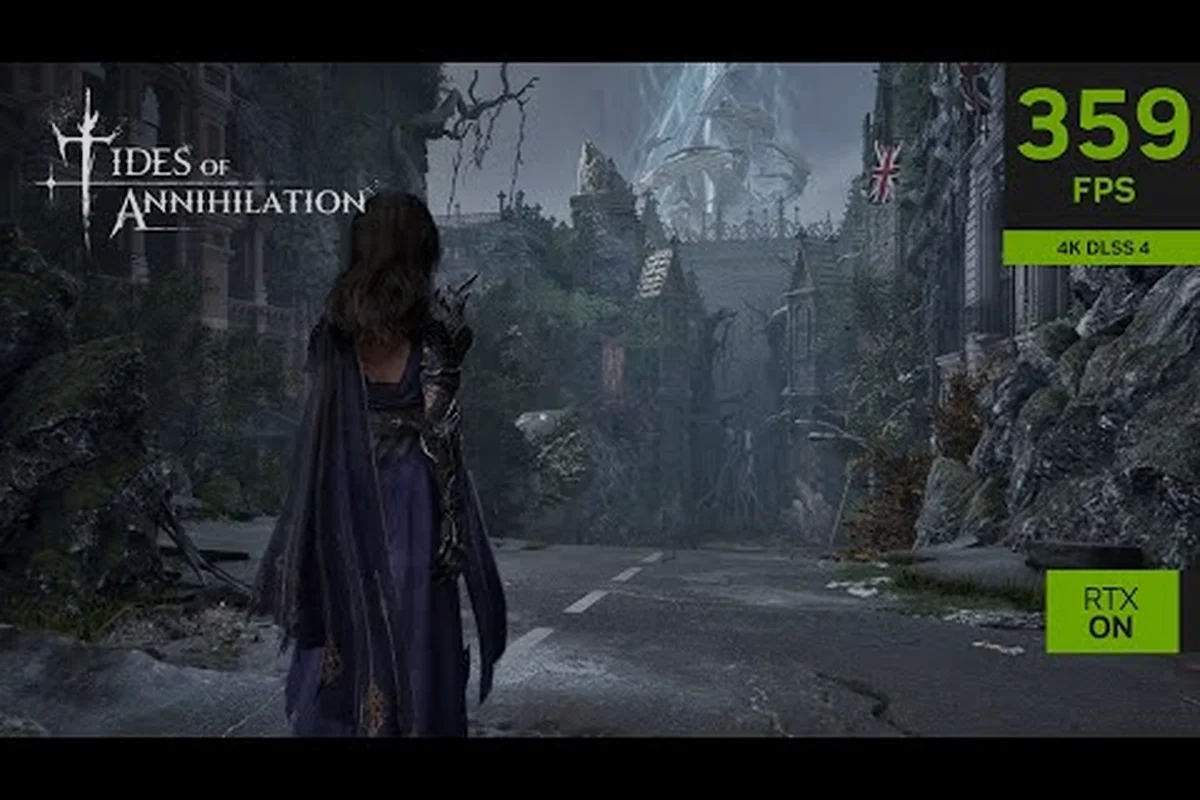
Tides of Annihilation Best Settings: PC & Steam Deck Tuning
Optimize Tides of Annihilation best settings for PC and Steam Deck. We cover frame generation, ultrawide support, and the top graphics options for smooth play.

Tides of Annihilation DualSense: Haptics & 60 FPS PC Setup
Feel every clash with Tides of Annihilation DualSense on PC. Learn haptic feedback, adaptive triggers, and how to hit 60 FPS with optimized settings.

Tides of Annihilation PC Performance: DLSS 4.5 & FPS
Optimize Tides of Annihilation PC performance with DLSS 4.5, RTX, and Nanite settings. Learn the best FPS-boosting configurations for smooth 4K gameplay.
All Articles

Tides of Annihilation PS5 Pro Enhanced: PSSR & 60 FPS
Learn how Tides of Annihilation PS5 Pro Enhanced mode uses PSSR for sharper visuals. Compare PS5 Pro, Xbox Series X, and Series S performance targets.
Tides of Annihilation Resolution Modes: PS5 vs Xbox
Compare Tides of Annihilation resolution modes across PS5 and Xbox. See expected 4K, 60 FPS targets, and how PS5 Pro's PSSR boosts visual fidelity.
Tides of Annihilation System Requirements: PC Specs Guide
Find the Tides of Annihilation system requirements for PC. We estimate minimum and recommended specs for Unreal Engine 5, path tracing, and 4K gaming.
Tides of Annihilation Storage Requirements: SSD Size Guide
Estimate Tides of Annihilation storage requirements for PC and consoles. Learn the likely install size, SSD benefits, and graphical fidelity expectations.